Two-Factor Authentication Checklist for Your Most Important Accounts
A practical, account-by-account checklist for adding two-factor authentication, storing backup codes...

Logging into something shouldn't feel like a small security ritual. Yet here we are: type a password, wait for a text, copy the code, hope it arrives. Passkeys are the industry's attempt to bin most of that. They're already sitting on the phone in your pocket and the laptop on your desk, whether you've noticed or not. Before you hand over your most important accounts, though, it's worth knowing what you're actually agreeing to — especially what happens when a device goes missing.
When you create a passkey, your device generates a pair of mathematically linked keys. One is private and stays where it was made: inside your phone's secure hardware, your laptop's security chip, or the encrypted vault of a password manager. The other is public, and the website stores it. That's the whole trick. There's no shared secret travelling back and forth, and nothing useful for an attacker to steal from the site's servers.
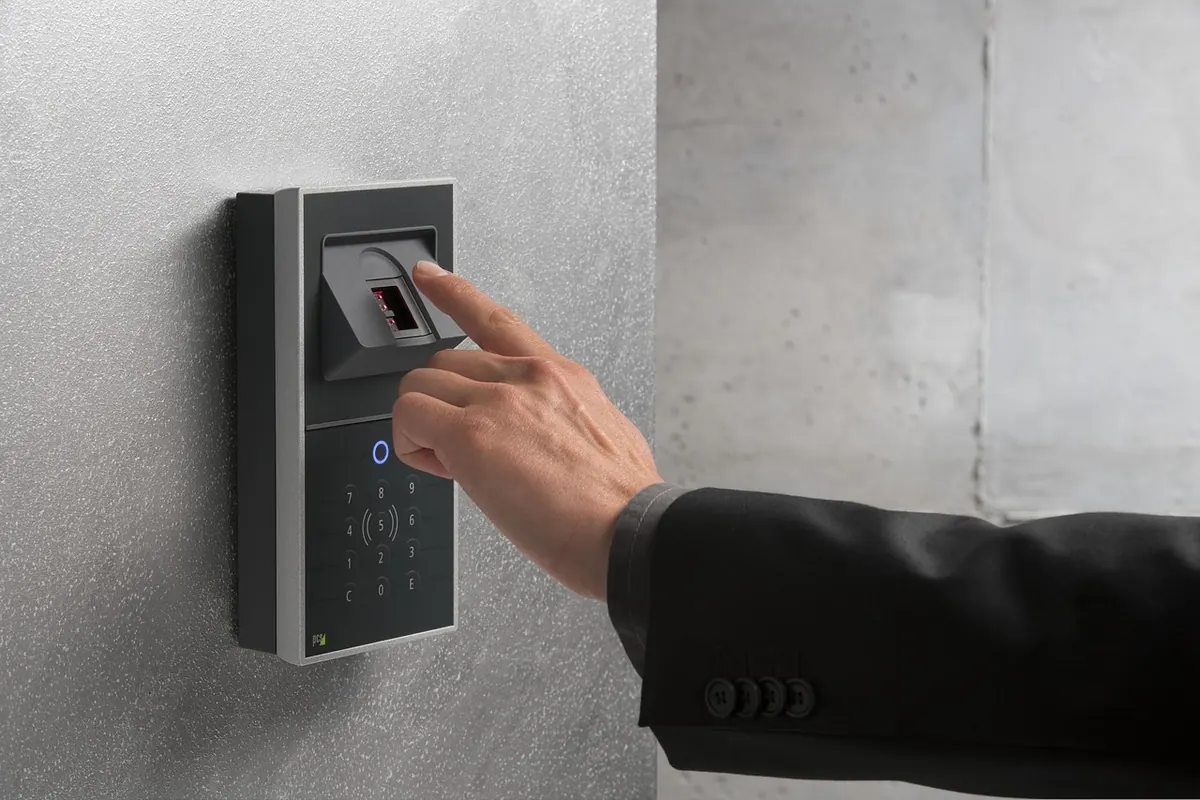
Signing in runs in the opposite direction. The site sends a challenge, your device asks you to confirm it's really you with a fingerprint, face scan or PIN, and then uses the private key to sign that challenge. The site checks the signature against the public key it holds. Your biometric data never leaves the device — it's a local gate, not something transmitted to a server.
The difference matters more than most explainers admit. A synced passkey travels with your account — through iCloud Keychain, Google Password Manager, a Microsoft account or a third-party password manager — so a replacement phone can pick it up. A device-bound passkey stays on one piece of hardware, such as a security key on your keyring. The second is harder to clone but unrecoverable if it's lost. Most people end up with a mix of both.
A passkey is tied to the exact address of the site it was created for. Land on a lookalike page with a slightly wrong domain and your browser won't offer the passkey at all, because the private key can't be talked into signing anything for a site it doesn't recognise. Compare that with the password-and-text-message routine, where a convincing fake page can harvest both the password and the one-time code in real time.
The second gain is quieter. Because websites never hold a shared secret for you, a breach of their database doesn't hand criminals a list of credentials to replay on other services. Credential stuffing — trying leaked email and password pairs across dozens of sites — stops working when there's nothing reusable to leak.
None of this makes an account untouchable. Malware on your device, someone who has your unlocked phone, or a careless account-recovery process can all still cause damage. Passkeys close the front door; they don't patrol the house.
That last point is the one people underestimate. Passwords are terrible, but resetting one is a well-worn path. Passkey recovery depends on whichever ecosystem you chose, and several routes lean on your email account — which makes your inbox the single most valuable thing you own online.
For most people, the sensible move is to enable passkeys wherever they're offered, starting with the account that could unravel everything else if it were compromised: your email. Test the recovery route while things are calm. Keep the password as a backup until you've signed in successfully a few times, and don't remove it on a site that hasn't given you another way back in.
If a bank or building society is involved, follow its own instructions rather than general advice — it will know exactly how its recovery process works, and financial institutions often keep alternative sign-in methods for sound reasons.
Passwords aren't disappearing overnight, and you don't need to force the change. But every account you move to a passkey is one fewer password to reuse, one fewer code to wait for, and one fewer thing for a phishing page to take. Start with one this week and see how it feels.
Photo: u_h0yvbj97 / Pixabay
A practical, account-by-account checklist for adding two-factor authentication, storing backup codes...
Free writing tools suit occasional jobs, but paid plans buy capacity, consistency, data safeguards and...
Cold weather slows the chemistry inside lithium-ion batteries, so your phone can die at 40 per cent. Here...